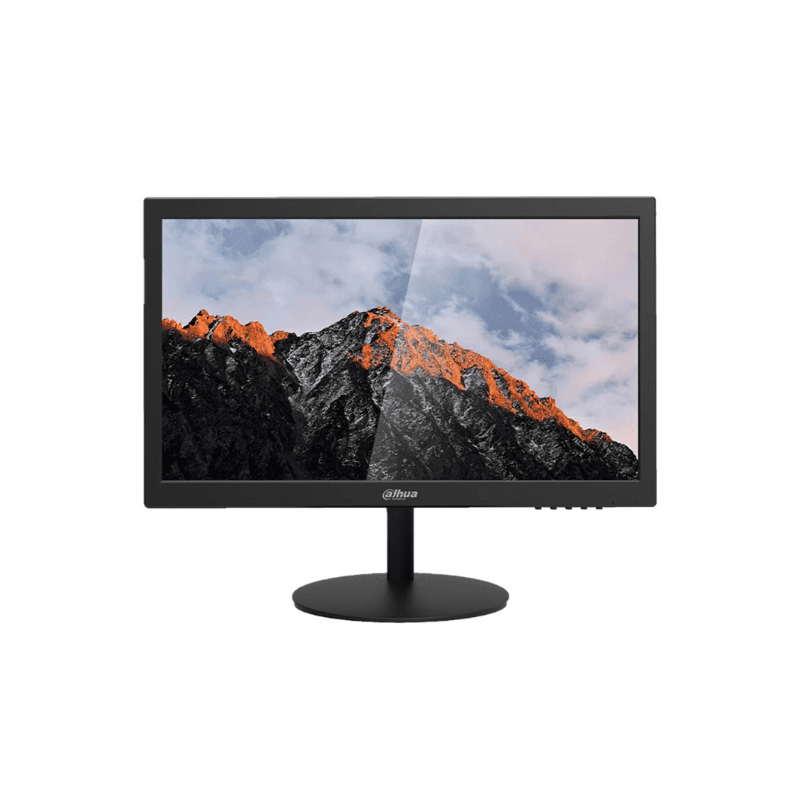
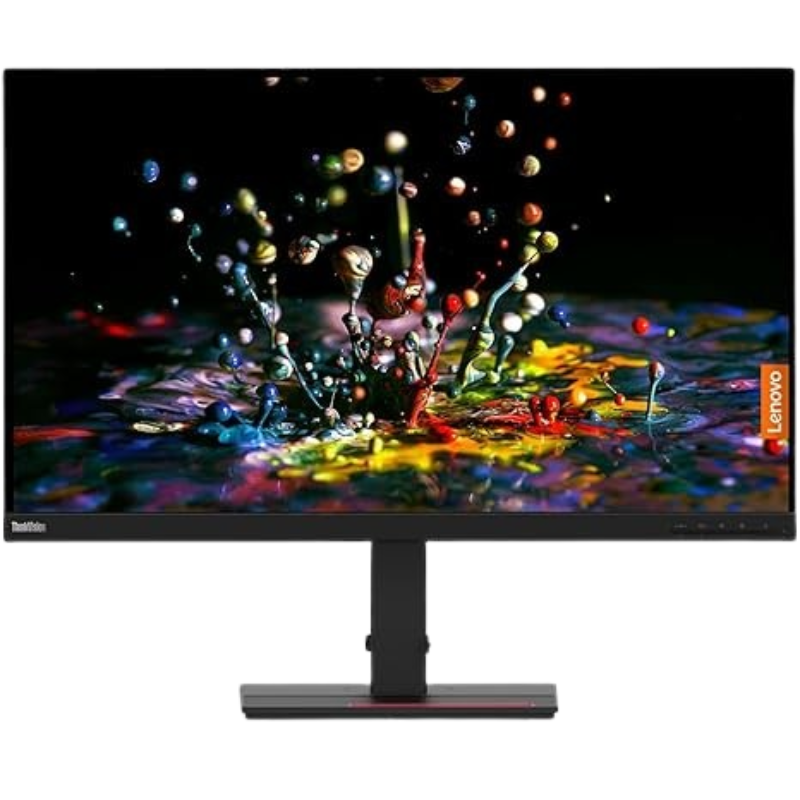
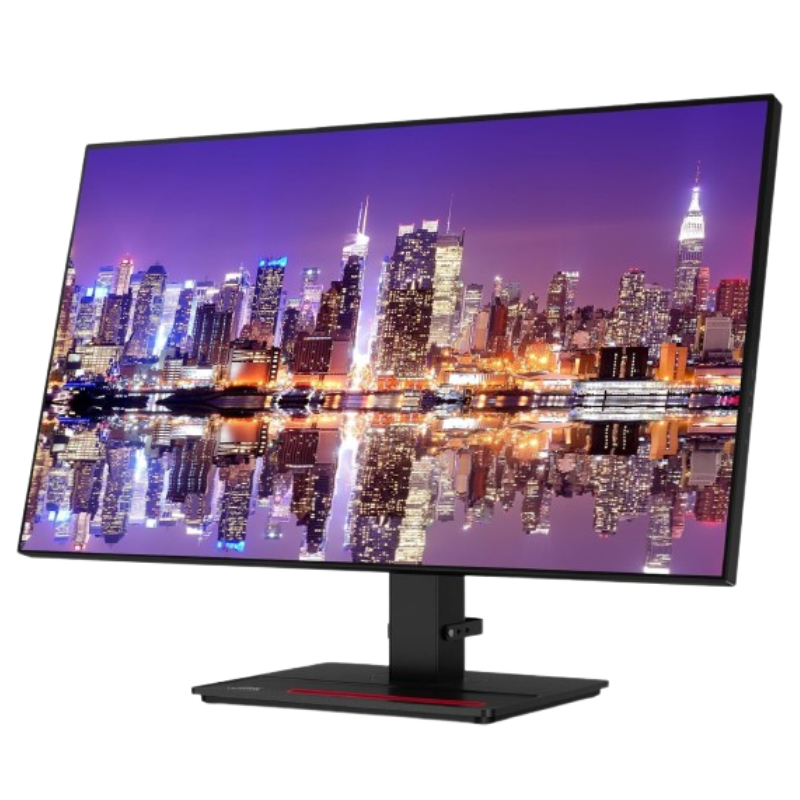
$68.24
$83.94
Description Instant access to your favourite OTT content Smart TV Apps Have to make the most out of a small space, or simply want a second TV? The Smart Monitor is the best choice. Stream OTT content directly from the monitor, or tune into Samsung TV Plus to get live TV channels and on-demand content at zero cost. * Features, services and app availability may vary by country and region.* Samsung TV Plus and Universal Guide may not be available in some regions. * Some features may require separate subscriptions. * The user interface is subject to change without notice.* Smart Monitor does not include a TV tuner, which is not necessary for streaming apps. * Internet connection is required.* Remote control specifications vary by country and region.* Keyboard and mouse control compatibility varies by app.* Access to the full range of smart features, such as network-based services, applications (including games and streaming services), and smart home functionality requires a Samsung Account. Without logging in, functionality is limited to external devices, e.g. via HDMI. You can sign up for a free Samsung Account at https://account.samsung.com; Terms and Conditions apply. Enjoy contents in vivid detail 4K UHD Crystal clear video. 4K UHD resolution brings your content to life as intended, making worlds feel more real with vivid clarity. Lose yourself while exploring nuanced settings with incredible detail. The FHD resolution on the left and 4K resolution on the right are being compared. The one on the right looks much clearer than the left. * 4K availability in over-the-top content may vary, depending on content service subscription type and internet connection. Connect with convenience Multiple Ports With USB-C, HDMI and USB-A ports, you can connect completely to the Smart Monitor without any adapters. Charge your devices, transmit data and make the most out of your multi-screen setup __ or do all at once __ thanks to the six available ports. The monitor that redefines entertainment Where gaming comes together Gaming Hub Samsung Gaming Hub is the ultimate home for gaming. Instantly play the biggest games from top streaming partners, with no PC or console needed. Discover new games or replay old favorites all in one place. * Gaming Hub is available in limited countries, with app availability differing by country. UI is subject to change without prior notice.* Accessing Gaming Hub is free of charge. Subscription may be required to access content offered by game-stream providers on the Gaming Hub.* You may need to download apps depending on the game or service.* A separate controller may be required depending on the specific game you are playing on the Gaming Hub.* Requires internet connection. Solar powered control SolarCell Remote The SolarCell Remote, featuring a solar charging panel on its back, eliminates the need for disposable batteries, making it an eco-friendly choice. A newly integrated quick launch button ensures quicker access to specific menu options, including the settings page, for enhanced convenience. * When battery is fully drained, the remote can only be charged via USB-C cable (cable sold separately). * The battery level of SolarCell remote can be checked through the pop-up guide on monitor screen. Designed for low vision users Vision Accessibility Tools The Smart Monitor is designed with accessibility in mind, particularly for low vision users. It comes equipped with tools that help them see and use the screen more easily, including color switching and audio descriptions for TV settings like the volume and channel. Next ftd16_interactive multi feature-product detail-indicatorftd16_interactive multi feature-product detail-indicatorftd16_interactive multi feature-product detail-indicator The monitor as a connected home hub Simple control for your smart home SmartThings See all your smart home devices in a new 3D Map View, for an easier way to manage devices in different rooms. See energy usage and costs by device, and save money by turning on energy saving modes. Use your mobile phone or your voice to tap into the all-in-one IoT hub – all without pausing shows. * Available technology, functions and features may vary by country, service provider, network environment or product, and are subject to change without notice.* Requires a Wi-Fi, Bluetooth or other wireless network connection and devices registered to SmartThings app.* Connected devices are sold separately. For full compatible device list, please check https://www.smartthings.com/products.* Energy saving is only available for smart appliances that are compatible with AI Energy mode.* A separate SmartThings Dongle is required to connect to Zigbee and Thread devices. (Connection to Z-Wave device is not supported) “Monitor” your workouts like never before Workout Tracker Forget about boring workouts. Stream workout content, or run your own workout while watching contents on the Smart Monitor. Pair your Galaxy Watch to track real-time health data on the screen, while keeping streaming content on at the same time. * Supported devices are Galaxy Watch 4 or later with Galaxy Mobile (One UI 4.1.1 and above) with latest software version.* Devices must be logged into the same Samsung account.* Place your watch and mobile device near your screen to use Workout Tracker.* Screen images simulated for illustrative purpose. Next ftd16_interactive multi feature-product detail-indicatorftd16_interactive multi feature-product detail-indicator The monitor that works smarter Faster, easier access to your work tools Workspace Access and control your PC remotely, or work directly on the monitor. Embedded productivity apps like Microsoft 365 let you bypass the PC for a simpler, streamlined working environment. * On-screen content simulated for demonstration purpose.* Microsoft 365 requires Microsoft account. Some features of Microsoft 365 require subscription.* Windows 10 Pro, Mac OS 10.5, or higher, and compatible network settings are required for this feature. Playing video Switch between screens with one click Easy Switching Between the Monitor and a PC Enjoy better control when switching between your PC and Smart Monitor’s home screen controls. With the Easy Setting Box software installed on your PC, move between these configurations with one mouse and keyboard. It’s full, seamless control of the PC and the monitor’s native apps with just one setup. Playing video One mouse and keyboard across devices Multi Control Maximize your multitasking capabilities by effortlessly controlling multiple devices with a single mouse and keyboard. Experience greater efficiency with a single control station for your Smart Monitor, Galaxy Tab and Galaxy mobile device. * Each device must be registered with a single Samsung Account and connected to the same Wi-Fi network.* Multi control requires updated Galaxy phones and tablets with One UI 5.1 or above and Galaxy Book series devices released in 2021 or later with Samsung Settings v1.5(Intel) or Samsung Settings v3.3(ARM).* Some functions(such as Copy & Paste or Drag & Drop) may not be available when using certain device models and apps. * Feature availability may vary by region(e.g. not provided in People’s Republic of China).* Screen images simulated for illustrative purpose.* Multi Control connectivity to a Galaxy mobile or tablet without a Galaxy Book will be available following an update in May. Next ftd16_interactive multi feature-product detail-indicatorftd16_interactive multi feature-product detail-indicatorftd16_interactive multi feature-product detail-indicator Easy, seamless shopping Smarter Service Instant advice from the experts who know Samsung best. Learn more Price Promise Find it cheaper and we’ll return the difference* Learn more Flexible Finance Spread the cost to suit you. Learn more Next Day Delivery Order by 7pm for mobile or 3pm for anything else. Learn more Specifications Expand all Overview Resolution 4K (3,840 x 2,160) Aspect Ratio 16:9 Brightness (Typical) 300cd/㎡ Contrast Ratio Static 3,000:1(Static) Response Time 4ms(GTG) Refresh Rate Max 60Hz Viewing Angle (Horizontal/Vertical) 178°(H)/178°(V) Display Screen Size (Class) 32 Flat / Curved Flat Active Display Size (HxV) (mm) 697.306 x 392.234mm Aspect Ratio 16:9 Panel Type VA Brightness (Typical) 300 cd/㎡ Brightness (Min) 240 cd/㎡ Contrast Ratio Static 3,000:1(Static) HDR(High Dynamic Range) HDR10 Resolution 4K (3,840 x 2,160) Response Time 4ms(GTG) Viewing Angle (Horizontal/Vertical) 178°(H)/178°(V) Colour Support Max 1B Colour Gamut (NTSC 1976) 72% Refresh Rate Max 60Hz General Feature Eye Saver Mode Yes Flicker Free Yes Image Size Yes Windows Certification Windows 11 Virtual AIM Point Yes Game Bar 2.0 Yes Gaming Hub Yes (KR, US, CA, BR, GB, FR, DE, IT, ES, MX, AU) HDMI-CEC Yes Auto Source Switch Auto Source Switch Adaptive Picture Yes Ultrawide Game View Yes Smart Service Smart Type Smart Operating System Tizen™ Bixby Yes Far-Field Voice Interaction Yes TV Plus Yes (GB, FR, DE, IT, ES, CH, AT, NL, SE, NO, DK, FI, PT, IE, BE, LU) Universal Guide Yes (GB, FR, DE, IT, ES) Alexa Built-in Alexa (GB, DE, FR, IT, ES, AT, IE) SmartThings Hub Yes Multi Device Experience Mobile to Screen, Screen initiate mirroring, Sound Mirroring, Wireless On, Tap View My Contents Yes Multi View upto 2 videos Smart Calibration Basic NFT Nifty Gateway Remote Access Yes Interface Wireless Display Yes HDMI 2 EA HDMI Version 2.0 HDCP Version (HDMI) 2.2 USB Hub 3 USB Hub Version 2.0 USB-C 1 EA USB-C Charging Power 65W HDCP Version (USB-C) 2.2 Wireless LAN Built-in Yes (WiFi5) Bluetooth Yes (5.2) Audio Speaker Yes Speaker Output 10W Adaptive Sound Adaptive Sound Operation Conditions Temperature 10~40 ℃ Humidity 10~80(non-condensing) Calibration Factory Tunning Yes Design Front Colour BLACK Rear Color BLACK Stand Color Black Stand Type SIMPLE Tilt -2.0˚(±2.0˚) ~ 22.0˚(±2.0˚) Wall Mount 100 x 100 Eco Energy Efficiency Class F Power Power Supply AC 100~240V Power Consumption (Max) 150 W Power Consumption (Typ) 32.0 W Power Consumption (DPMS) 0.50 W Power Consumption (Yearly) 47 kWh/year Type Internal Power Dimension Set Dimension with Stand (WxHxD) 716.1 x 517.0 x 193.5 mm Set Dimension without Stand (WxHxD) 716.1 x 424.5 x 41.8 mm Package Dimension (WxHxD) 842.0 x 133.0 x 487.0 mm Weight Set Weight with Stand 6.5 kg Set Weight without Stand 5.4 kg Package Weight 8.4 kg Accessory Power Cable Length 1.5 m HDMI Cable Yes Remote Controller Yes Software Support Security Update Period (At least 5 years) 31 DECEMBER 2029
Monitors